|
Arpege Music |

|
French | 
|
Europe (English) |







Pizzicato For The Choir
If you are a member of a choir, Pizzicato is a music software that gives you several tools to help you in your activities. If you are a choir director, you may transcribe sheet music clearly and neatly for the members.
Entering Music
All the tools described in the section on music notation are applicable for the choir. For more details about how to introduce notes in the score, click here.
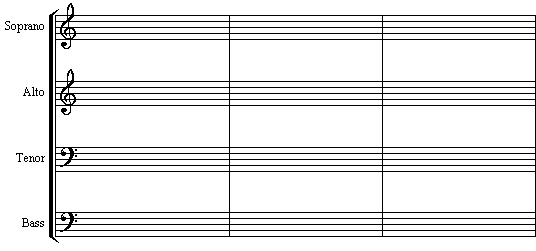
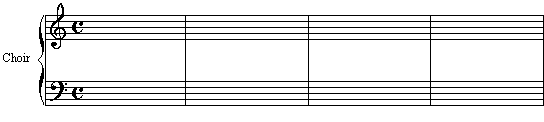
You may create a page setup in the most common forms encountered for choirs, as this one:
or:
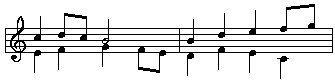
Pizzicato manages rhythmic voices so that you can easily enter several voices in the same staff, for instance:
The Lyrics
Once the notes are written, you can add the lyrics associated to the notes:
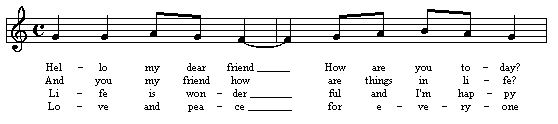
For each staff, you can add up to 8 lines of lyrics. The position of the lines may be adjusted for the full score, for a system, for a measure or for a specific note. The fonts, sizes, styles and colors of the lyrics may be modified to clarify the score or to set forward one of the parts. The result is an easy-to-sing sheet music for each member.
A specific window helps you to enter lyrics as continuous text, where you just need to specify the separations between syllables:
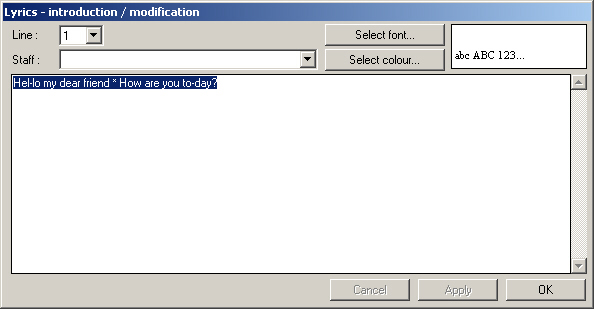
You can copy/paste the text from your word processor. Pizzicato will then automatically assign the lyrics to the notes already in the score.
Playing The Score And Learning Your Part
Once the music has been entered, you may of course print it and distribute it to the members of the choir, but you may also listen to it directly through the sound card or through an external music synthesizer connected to the computer.
You can learn how to sing your part. Ask Pizzicato to play all voices and sing your part with it. Once you master your part, you can ask Pizzicato to play only the other parts and you may then sing your part with Pizzicato playing the other voices.
If you want others to use this didactic approach to learn their parts, you can:
- Send them the Pizzicato document so that they can listen to it directly on their computer with Pizzicato (even if they only possess the free Pizzicato demo version, they will be able to listen to your score).
- Or create a MIDI file from your score and send it to them. If they have a computer, they will be able to listen to it even without Pizzicato.
- Or create an audio file with the Pizzicato audio export function. You can then make an audio CD or cassette that you may distribute to the choir members to help them learn to sing their parts correctly.
Summary
With these specific tools, Pizzicato helps the members of a choir to learn to sing their part between the rehearsals, with a didactic and interactive tool. The choir conductor can print nice sheet music and help the members to learn their parts.
According to the type of work you need to do, here are three Pizzicato versions that are useful for the choir:
-
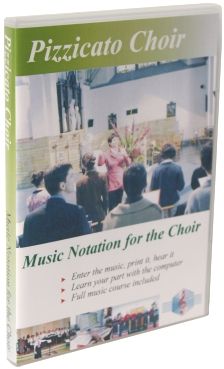
Pizzicato Choir helps you write and print nice sheet music for the choir, up to 4 staves. Learn to sing your voice while Pizzicato plays the other voices. Increase your knowledge of music theory with the full music course included.
-
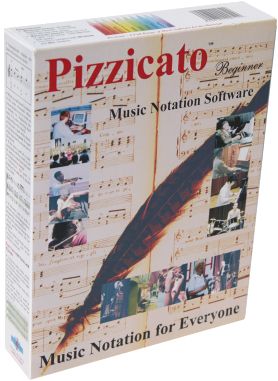
Pizzicato Beginner is a general purpose score editor, that contains most of the tools you need to write, print and listen to music scores for the choir, solo instrument or small orchestras up to 16 instruments playing together.
-
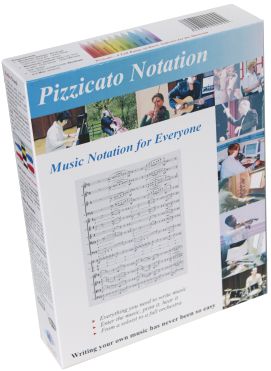
Pizzicato Notation is a full score editor that offers you all the notation features found in any other Pizzicato versions. It contains all the tools you need to write, print and listen to music scores, from the soloist to the full orchestra.
==> If you are a choir conductor or a member of a choir, buy Pizzicato now!
Order Pizzicato now by clicking here

| Pizzicato Professional |
|
|
| Pizzicato Notation |
|
|
| Pizzicato Composition Pro |
|
|
| Pizzicato Beginner |
|
|
| Pizzicato Keyboard |
|
|
| Pizzicato Choir |
|
|
| Pizzicato Guitar |
|
|
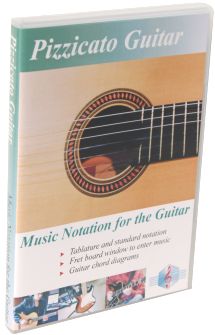
| Pizzicato Soloist |
|
|
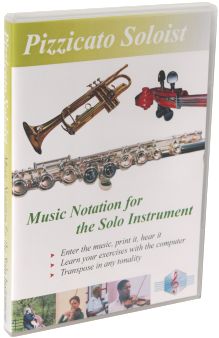
| Pizzicato Drums and Percussion |
|
|
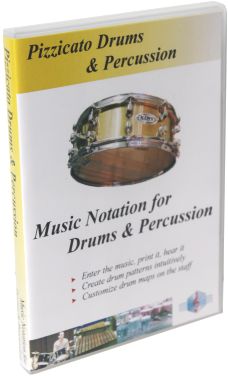
| Pizzicato Composition Light |
|
|
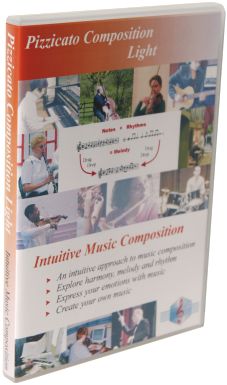
| Pizzicato Light |
|
|
All rights reserved for all countries
Pizzicato is a trademark owned by Arpege sprl