|
Arpege Music |

|
French | 
|
Europe (English) |







One line staves
In Professional Pizzicato, you
can create a one line staff, for percussion instruments for
example,by double-clicking in front of a staff (with the cursor
arrow or with the measures and staves tool). In the dialog box
that appears, select "1" in the "Staff lines
number" menu. You can also create special staves (for
example 3 spaced lines) by selecting the "***" item of
this menu. A new dialog box appears and you can select which
lines of the 16 possible lines will be displayed for that staff.
By selecting one line every two, you can create special staves
for percussion. Click on OK, then again OK.

| Pizzicato Professional |
|
|

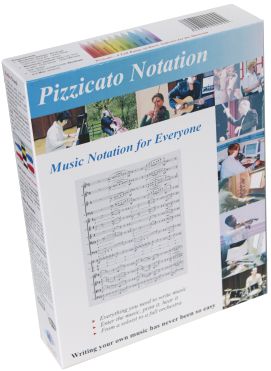
| Pizzicato Notation |
|
|
| Pizzicato Composition Pro |
|
|
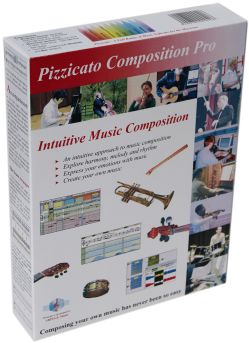
| Pizzicato Beginner |
|
|
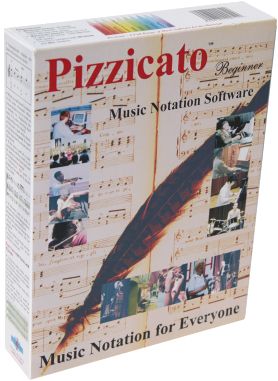
| Pizzicato Keyboard |
|
|
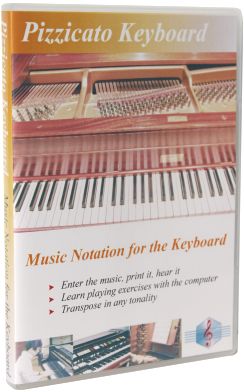
| Pizzicato Choir |
|
|
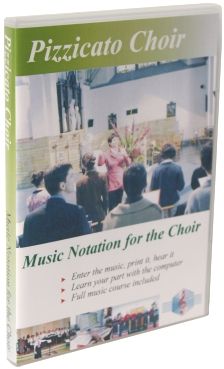
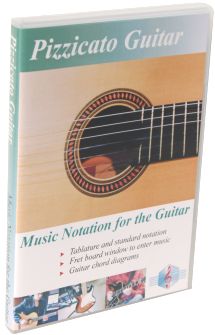
| Pizzicato Guitar |
|
|
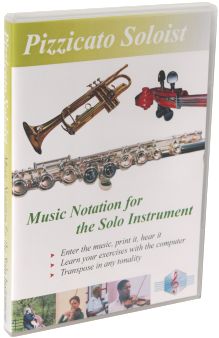
| Pizzicato Soloist |
|
|
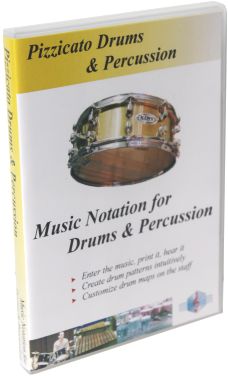
| Pizzicato Drums and Percussion |
|
|
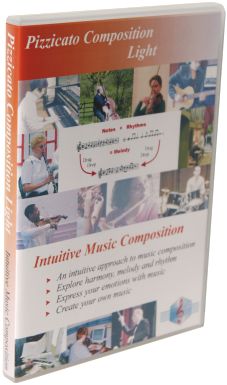
| Pizzicato Composition Light |
|
|
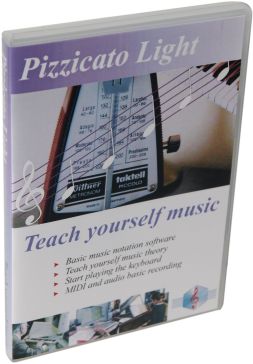
| Pizzicato Light |
|
|
Top of page
©
Copyright 2000-2024 - Arpege sprl
All rights reserved for all countries
Pizzicato is a trademark owned by Arpege sprl
All rights reserved for all countries
Pizzicato is a trademark owned by Arpege sprl