|
Arpege Music |

|
French | 
|
Europe (English) |












No sound (version 3) ?
If you do not hear
sound when a music score is played, check the following points: Check in
the sound volume control in Windows (Start, Programs,
Accessories, Entertainment, Volume Control) if there is
enough volume assigned to the output named "MIDI
Synth" or "Mic GS Synth Wave table" or
similar. On the Mac, check also the volume level in the
sound control panel. Select the
"MIDI Setup..." in the "Options"
menu. Double-click the output port (to the right) and
check the various possible choices of the
"Associated driver" menu, selecting the first
one, validating and then clicking on the little white
square just left to the output port rectangle: you should
hear some notes. If the first choice does not work, try
the other ones. Check if
the loudspeakers are well connected to the PC/Mac
computer and if power is switched on. In the Score window, click on the
"..." button of the tool bar and be sure that
the "Wait keyboard action" is not checked. In the Options menu, select "MIDI
Play Options...", be sure that the menu entitled
"Synchronisation input port" is set on
"-----", otherwise Pizzicato waits for the
tempo from an external device and plays only the first
note if there is no tempo information coming in. Starting with Pizzicato 3.5, if the
document manager is open (left part of the score window)
and if a score is selected in it (an icon with a double
note), then Pizzicato will play that score instead of the
score that is visible in the main part of the window. So
check that no score is selected in the document manager. If you hear the first note stuck and if
the arrow does not move, try to uncheck the Enable
audio/Midi synchronisation box in the Options
menu, MIDI play options... item.

| Pizzicato Professional |
|
|
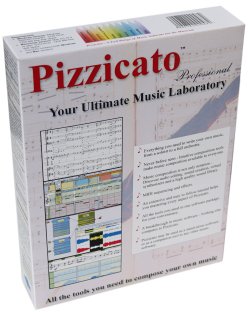
| Pizzicato Notation |
|
|
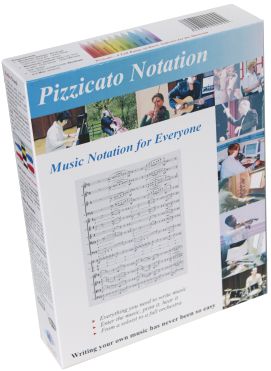
| Pizzicato Composition Pro |
|
|
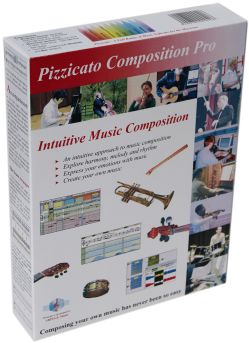
| Pizzicato Beginner |
|
|
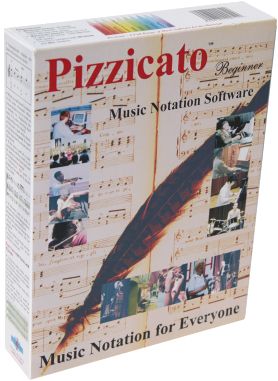
| Pizzicato Keyboard |
|
|
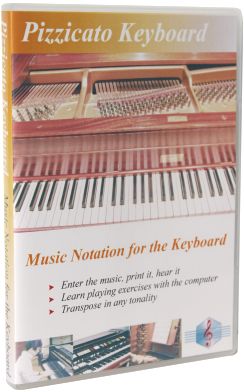
| Pizzicato Choir |
|
|
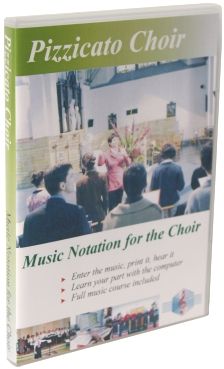
| Pizzicato Guitar |
|
|
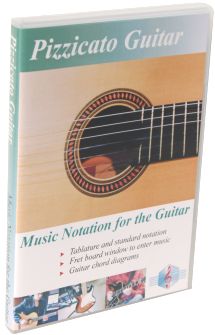
| Pizzicato Soloist |
|
|
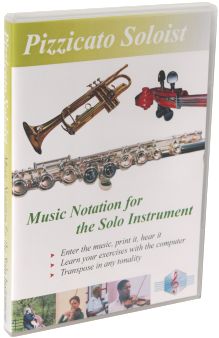
| Pizzicato Drums and Percussion |
|
|
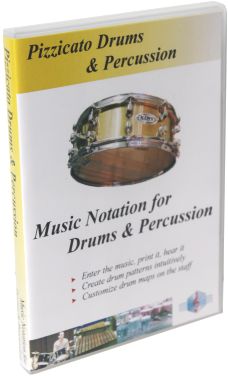
| Pizzicato Composition Light |
|
|
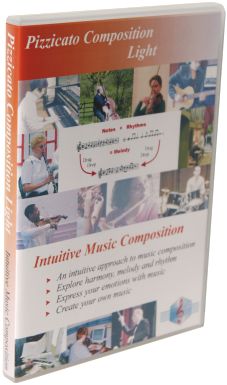
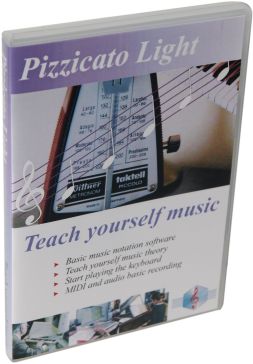
| Pizzicato Light |
|
|
All rights reserved for all countries
Pizzicato is a trademark owned by Arpege sprl