|
Arpege Music |

|
French | 
|
Europe (English) |






Accessing the Pizzicato 3 Help Menu on Windows
If the Pizzicato
help does not function correctly under Windows, delete the
following files with the Windows Explorer: My
documentsPizzicato 3.xHelpPrefs.dat My
documentsPizzicato 3.xHelpRunning.dat Then start
Pizzicato again. If the help menu
still does not work, you can start it from the Windows menu
Start, All programs, Pizzicato 3.x, User manual. You can also
send a shortcut to the desktop from this menu, to access it
easier. You can also
browse the help files with any Internet navigator. Add a shortcut
on the desktop to the following file to access the help: Programs /
Pizzicato 3.5 / DataEN / EN001.htm (Pizzicato Professional) Programs /
Pizzicato 3.5 / DataEN / EN002.htm (Pizzicato Beginner) Programs /
Pizzicato 3.5 / DataEN / EN003.htm (Pizzicato Light) Programs /
Pizzicato 3.5 / DataEN / EN012.htm (Pizzicato Choir) Programs /
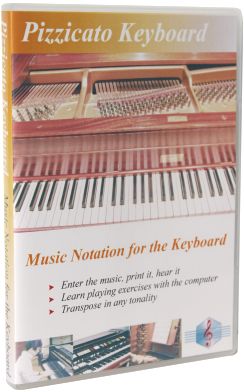
Pizzicato 3.5 / DataEN / EN013.htm (Pizzicato Keyboard) Programs /
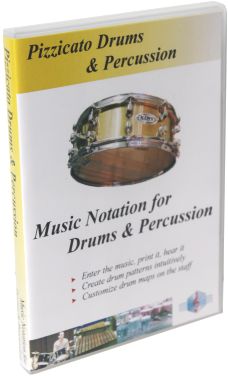
Pizzicato 3.5 / DataEN / EN009.htm (Pizzicato Drums) Programs /
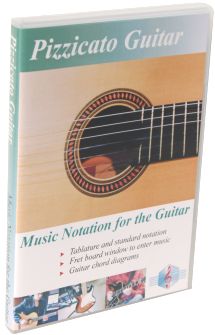
Pizzicato 3.5 / DataEN / EN011.htm (Pizzicato Guitar) Programs /
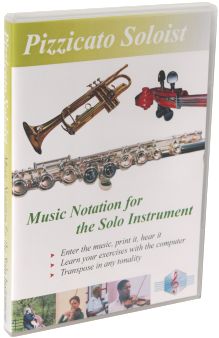
Pizzicato 3.5 / DataEN / EN014.htm (Pizzicato Soloist) Programs /
Pizzicato 3.5 / DataEN / EN007.htm (Pizzicato Composition Light) Programs /
Pizzicato 3.5 / DataEN / EN008.htm (Pizzicato Composition Pro) Programs /
Pizzicato 3.5 / DataEN / EN006.htm (Pizzicato Notation) You can simply
double-click on one of these files to access the help summary.

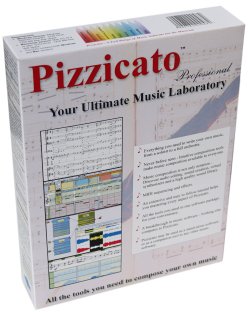
| Pizzicato Professional |
|
|
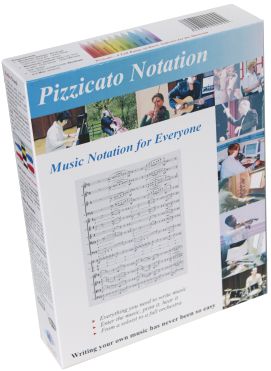
| Pizzicato Notation |
|
|
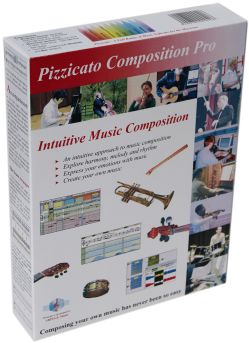
| Pizzicato Composition Pro |
|
|
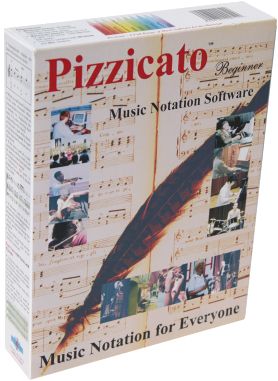
| Pizzicato Beginner |
|
|
| Pizzicato Keyboard |
|
|
| Pizzicato Choir |
|
|

| Pizzicato Guitar |
|
|
| Pizzicato Soloist |
|
|
| Pizzicato Drums and Percussion |
|
|
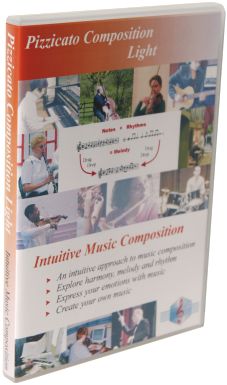
| Pizzicato Composition Light |
|
|
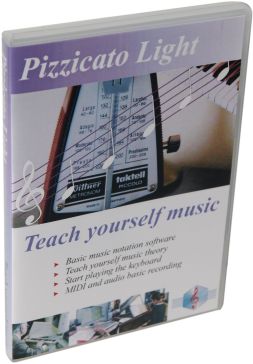
| Pizzicato Light |
|
|
All rights reserved for all countries
Pizzicato is a trademark owned by Arpege sprl