|
Arpege Music |

|
French | 
|
Europe (English) |





Download Page
Pizzicato 3.6 for Windows 2000/XP/Vista/W7/W8/W10
The evaluation version of Pizzicato is a file to download.
To download the evaluation version of Pizzicato 3.6.2.3 for Windows now, click the following link:
After downloading, do the following to install Pizzicato on your computer:
- Open the downloaded file (InstallPizzicatoEN3623.exe) by double-clicking it
- Simply follow the instructions on the screen.
- Once the installation is completed, click the Start button in the Windows tasks bar and go to Programs, Pizzicato 3.x and start Pizzicato.
- In the first dialog box, select the Shareware version or one of the demonstration versions of Pizzicato. You can then discover Pizzicato.
- To consult the full user manual and the music course, see the items in the Pizzicato help menu.
- If you have any question about the installation, the configuration or the use of the demonstration version, contact us:
We are here to help you!
Pizzicato 4.0 for Windows 7/8/10/11
The evaluation version of Pizzicato is a file to download.
To download the evaluation version of Pizzicato 4.0 for Windows now, click the following link:
After downloading, do the following to install Pizzicato on your computer:
- Open the downloaded file (InstallPizzicatoFullEN4012.exe) by double-clicking it
- Simply follow the instructions on the screen.
- Once the installation is completed, click the Start button in the Windows tasks bar and go to Programs, Pizzicato 4 and start Pizzicato.
- In the first dialog box, select the Shareware version or one of the demonstration versions of Pizzicato. You can then discover Pizzicato.
- To consult the full user manual and the music course, see the items in the Pizzicato help menu.
- If you have any question about the installation, the configuration or the use of the demonstration version, contact us:
We are here to help you!

| Pizzicato Professional |
|
|
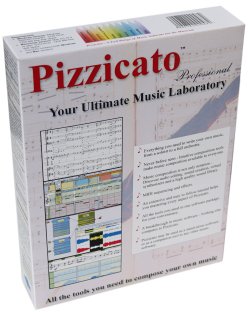
| Pizzicato Notation |
|
|
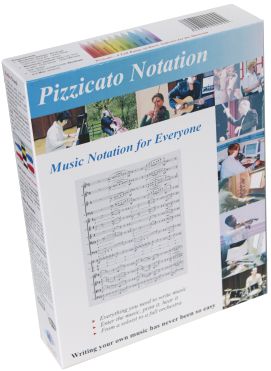
| Pizzicato Composition Pro |
|
|
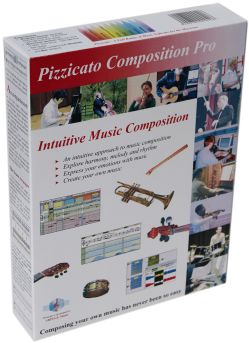
| Pizzicato Beginner |
|
|
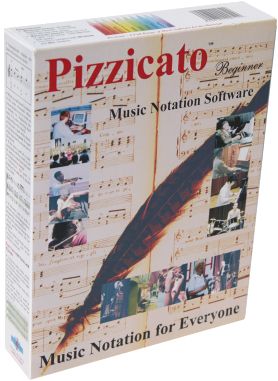
| Pizzicato Keyboard |
|
|
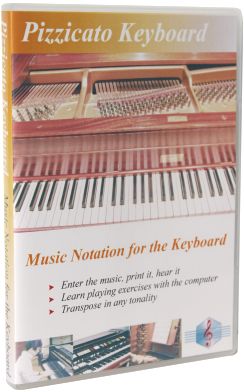
| Pizzicato Choir |
|
|
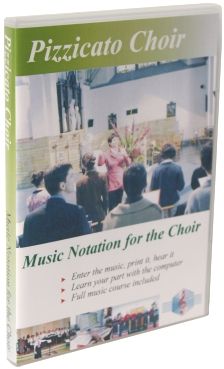
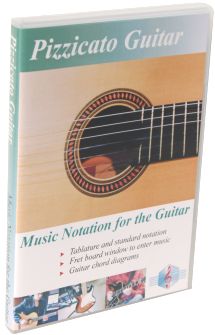
| Pizzicato Guitar |
|
|
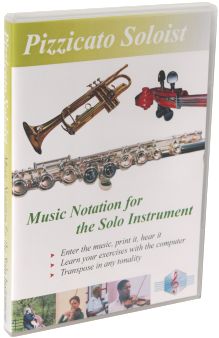
| Pizzicato Soloist |
|
|
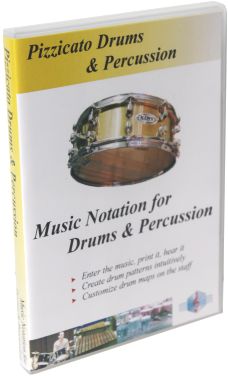
| Pizzicato Drums and Percussion |
|
|
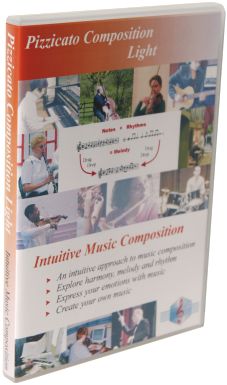
| Pizzicato Composition Light |
|
|
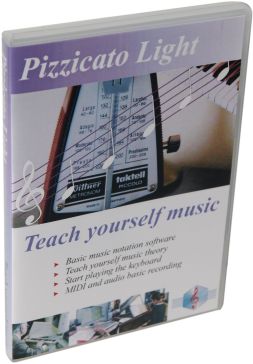
| Pizzicato Light |
|
|
Top of page
©
Copyright 2000-2024 - Arpege sprl
All rights reserved for all countries
Pizzicato is a trademark owned by Arpege sprl
All rights reserved for all countries
Pizzicato is a trademark owned by Arpege sprl